Let your listeners tune in without ever leaving your page — a floating player that shows the currently playing track, album art, and full controls — fully customisable to match your station's brand.
🚀 Get Started — From $4.95/moThe Popup Player sits as a floating window on top of your website content. When a visitor clicks Play, the player opens — showing the currently playing track title, artist, and album art — and keeps playing as they browse between pages. Controls include play, pause, stop, and volume. The now-playing display updates in real time, no page reload required.
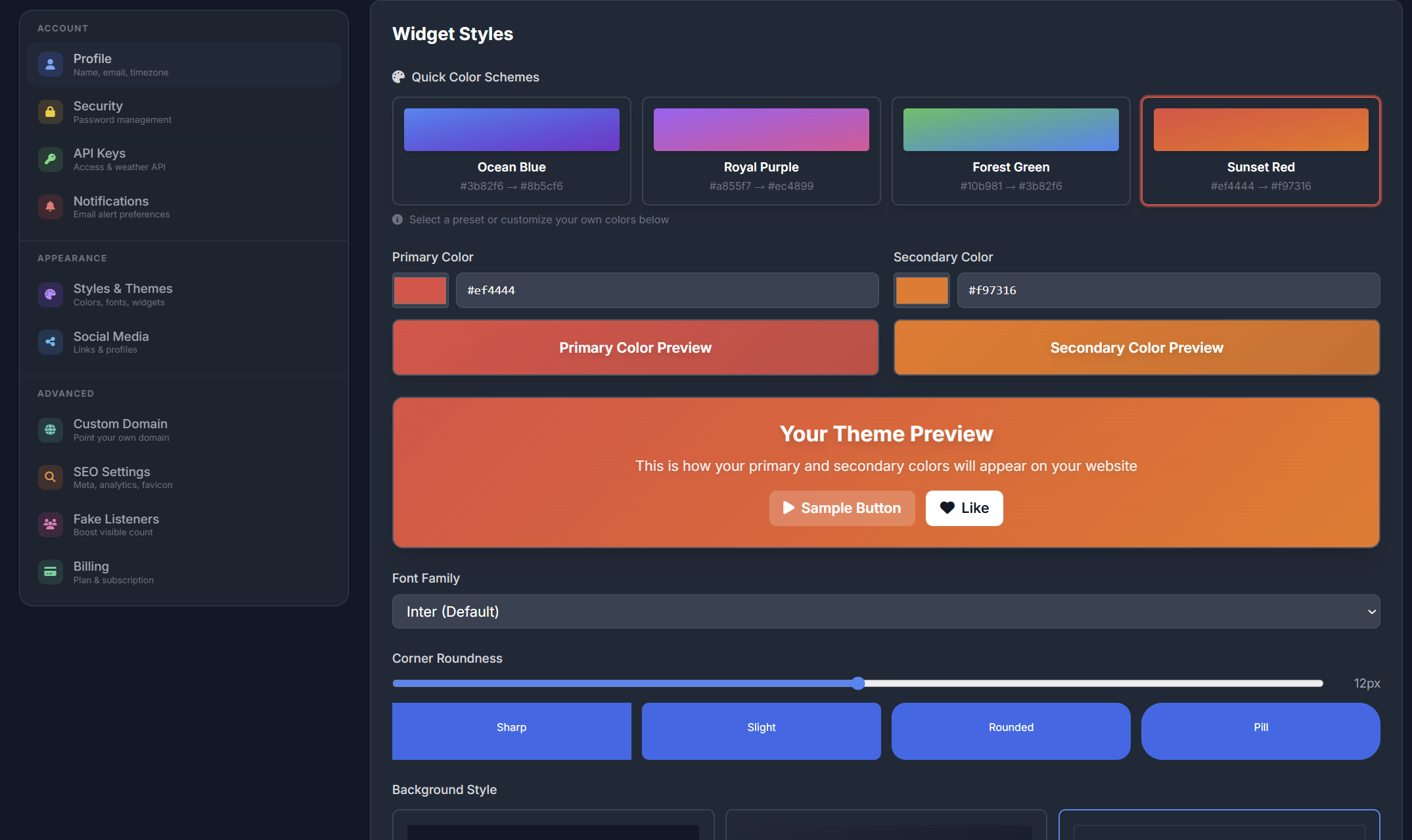
Choose from dark or light player themes to match your station website design. The Popup Player looks sharp on any background — from a sleek dark broadcast site to a clean white music blog.
Switch themes, adjust accent colours, and pick fonts in the widget builder with zero coding required.
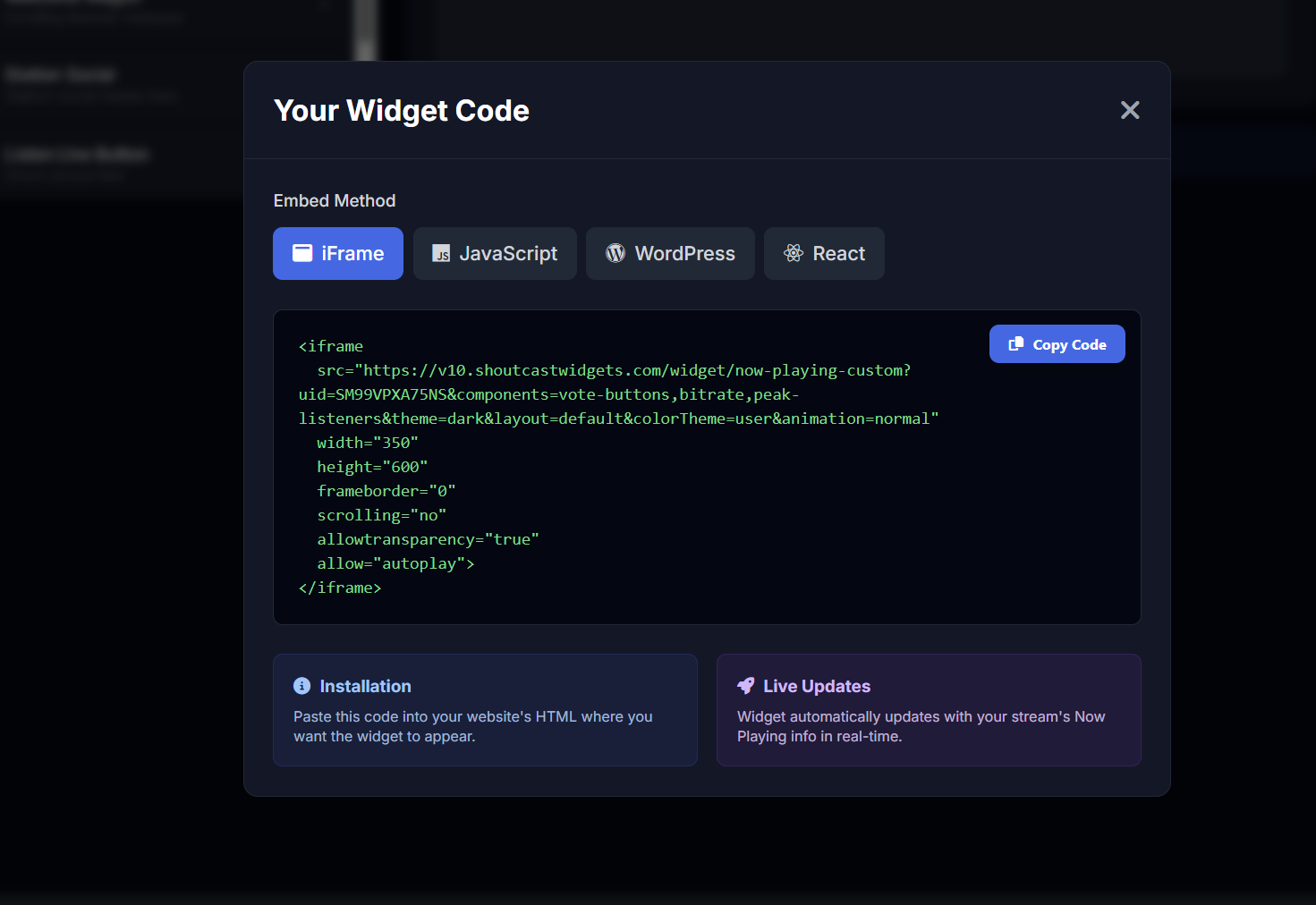
Configure your Popup Player in the builder — enter your stream URL, choose your theme and colours, pick which controls to show — then copy your personalised embed snippet. Available as iFrame, JavaScript, WordPress shortcode, or React component.
Paste it into any page, blog, or CMS. No coding knowledge needed — if you can copy and paste, your popup player is live.
Keep listeners tuned in as they browse — a floating player that's always visible, always live
Full playback controls in the floating window so listeners can start, pause, or stop the stream at any time without leaving your page.
Shows the current track title and artist name in real time, pulled directly from your SHOUTcast or Icecast stream metadata.
Automatically fetches and displays the album art for the currently playing track so the player always looks great and on-brand.
Built-in volume slider lets listeners adjust audio level directly in the popup — no need to reach for system volume controls.
The player floats above page content and stays visible as visitors scroll or navigate between pages — playback never interrupts.
Track info and album art refresh in real time whenever the current song changes — no page reload required.
Pick a dark or light player theme to complement your station site design. Both themes look sharp on any background colour or device.
Scales cleanly to any screen size — desktop, tablet, or mobile — so your popup player always looks and works perfectly.
Configure your player visually and grab the embed snippet — iFrame, JavaScript, WordPress shortcode, or React component.
Enter your SHOUTcast or Icecast stream URL in the widget builder to connect the popup player to your live audio feed
Choose your player theme, accent colours, and which controls to display — play, pause, stop, volume, and now-playing info
The player reads your stream metadata in real time and automatically shows the current track title, artist, and album art
The floating window stays visible as listeners navigate your site — audio plays continuously without interruption between pages
Preview your configured player in the builder, then copy your personalised embed snippet when you're ready to go live
Paste the snippet — iFrame, JS, WordPress shortcode, or React — into any page on your site and your popup player is live
The Popup Player is included in every SHOUTcast Widgets plan — no extra cost.
🚀 Get Started — From $4.95/mo View All Widgets